

Open source·Full version, free·Premium from $19.99

A safer internet. For kids. Everywhere.

KidsProxy keeps kids away from content they should not see — and away from trackers, scams and malware. At home and on the go.

Ships as a Docker image

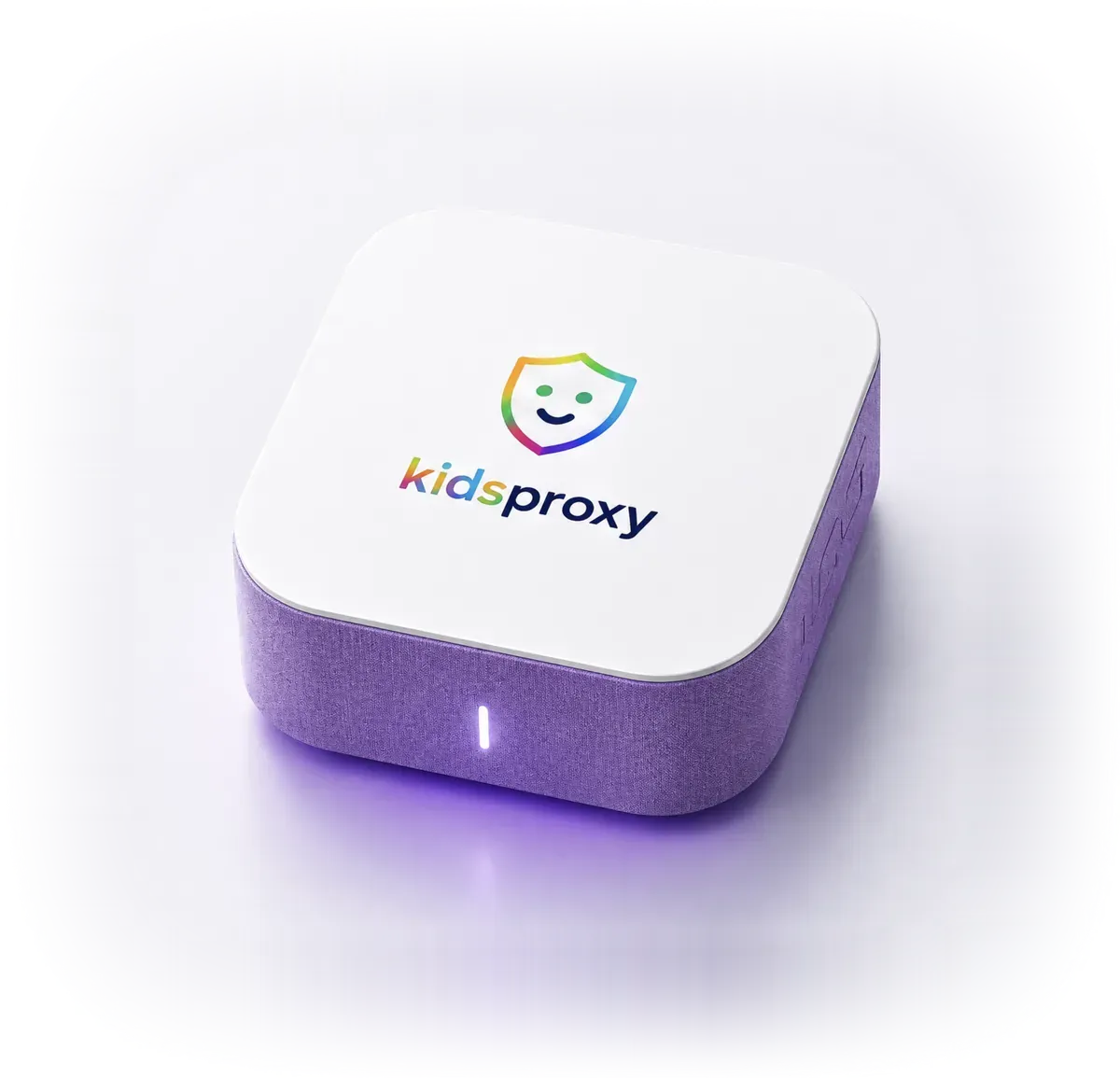
The KidsProxy Box

Covers every device

Windows, macOS, iOS, Android and more.

Privacy by default

No tracking. Nothing sold. Ever.

Works anywhere

Home, road trip or vacation rental.

Families & classrooms

Simple to run. Serious under the hood.

How it works

Set it up. Forget about it.

01

Plug in

Up and running in minutes — as a Docker image or with the KidsProxy Box.

02

Let it work

KidsProxy filters harmful content and blocks online threats on its own.

03

Breathe easier

You keep the overview. Your kids keep the run of the internet.

The idea

Protection that lives in your network

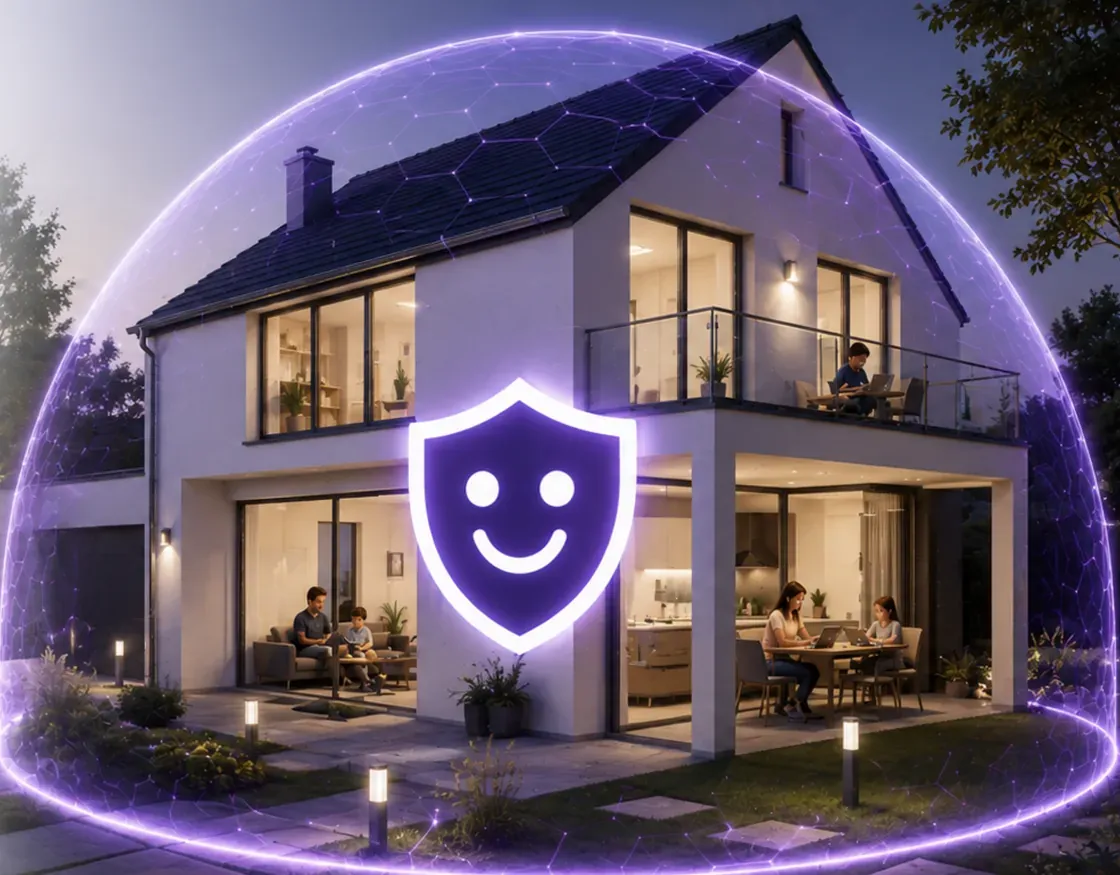
KidsProxy sits between your router and the internet. Filter it once and it holds for every device in the house — no app to install, nothing to set on each phone or tablet.

  • Nothing to install on devices
  • Every device in the house
  • Built for parents, not admins
  • Room to explore, safely
  • Working around the clock
A family home under a glowing protective dome — KidsProxy secures the entire home network
Two ways in

Pick the one that fits you.

As software

Free as a Docker image

Run KidsProxy on hardware you already own — free, open source, yours to tweak.

  • For tinkerers and pros
  • Full control, fully configurable
  • Regular updates
Get the Docker image Open source on GitHub
As hardware

KidsProxy Box

The plug-and-play option. Unbox it, plug it in, you are protected.

  • No install, no setup guide
  • Serious protection on every device
  • Easy to manage

Add Premium if you want more — otherwise FREE.

Made with ❤

Built by people who are parents first.

Regular updates

New threats blocked as they appear.

Community & support

Real answers from people who run it too.

Fast and featherweight

Barely touches your hardware. Never slows the house down.

FAQ

Common questions

KidsProxy is a parental-control filter for every bit of internet traffic in your home. Instead of installing an app on each device, the protection runs in one place — and every device on the network is covered the moment it connects.
Every request passes through KidsProxy first. Inappropriate content, malicious sites and trackers get blocked before they ever reach the device. You decide which categories are allowed and what hours your kids can be online.
Yes. The Docker image is free and open source — no account, no trial, no credit card. You only pay if you want the KidsProxy Box, which arrives already configured.
All of them. Because the protection sits in the network, the operating system is irrelevant: Windows, macOS, iOS, Android, game consoles, smart TVs and tablets are covered from the first second.
The features are identical. You host the Docker image yourself and configure it however you like. The Box arrives ready to go: plug it in, add your kids, done. No technical know-how needed.
The filtering happens inside your own home. KidsProxy sends no browsing history to anyone, sells no profiles and keeps nothing you have not asked it to keep. You choose which reports you see.